 Comparison
Smart Lock Compatibility for Homes: Door, Platform and Retrofit Checks
Last Updated: November 5, 2026
Quick Summary
Smart lock compatibility depends on three things: whether the lock fits your door's thickness, backset and borehole, whether it matches the handing, and whether it works with the smart-home platform you already use. Measure your door first, then confirm the lock supports Apple Home, Alexa, Google Home or SmartThings.
- Measure door thickness, backset and borehole before ordering any smart lock.
- Standard residential doors usually measure 1-3/8 to 1-3/4 inches thick.
- Common backsets are 2-3/8 or 2-3/4 inches, with a 2-1/8 inch borehole.
- Matter support does not guarantee every feature works across all ecosystems.
- Confirm a physical key or keypad code works without the app before removing old keys.
Table of Contents
- Why Smart Lock Compatibility Matters Before You Buy
- Check Your Door: Thickness, Backset, Borehole and Handing
- Single-Cylinder Deadbolt vs Deadbolt and Handle Combo
- Matter-Compatible Smart Locks and Smart-Home Platforms
- Phone, Voice Assistant and App Control: What Works With Your Setup
- Retrofit or Replace: Installation, Renters and Existing Keys
- Failure Modes, Fallback Access and Ongoing Requirements
- Scheduling a Compatibility Check With A-1 Locksmith
- Frequently Asked Questions
Why Smart Lock Compatibility Matters Before You Buy
Most smart lock returns happen because the lock does not fit the door or does not talk to the home system the buyer already owns. Smart locks need to match your door's thickness and bore layout and work with your platform, Apple Home, Alexa, Google Home or SmartThings. Checking both before you buy saves a return trip and a second installation.
The market is growing fast, which means more models that look similar on the box but work differently in practice.
A few minutes of checking up front prevents most of these problems.
Check Your Door: Thickness, Backset, Borehole and Handing
Start with the door itself. Three measurements decide most fit questions: door thickness, backset and borehole. Door handing matters too, because it determines which side the lock handle and deadbolt sit on.
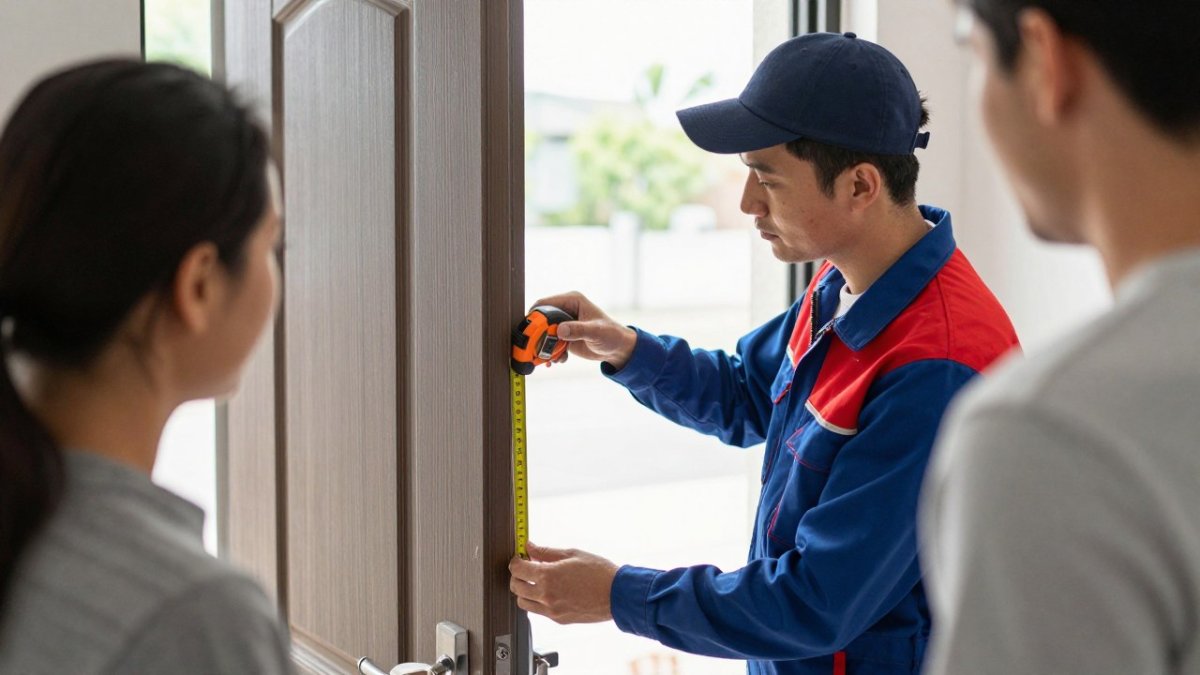
Measure door thickness from face to opposite face; most residential doors fall between 1-3/8 and 1-3/4 inches. Backset is the distance from the door edge to the center of the bore hole, usually 2-3/8 or 2-3/4 inches, and the borehole is typically 2-1/8 inches through the face. Compare these to the lock's spec sheet before ordering.
Handing is the last check. Stand outside the door and note whether it swings in or out and which side the hinges are on. Lock manufacturers list handing options, and a reversible model can often be set for either side.
Watch out: Measure twice before ordering. A lock off by an eighth of an inch on backset will not seat properly, and return shipping costs more than the measuring took.
Single-Cylinder Deadbolt vs Deadbolt and Handle Combo
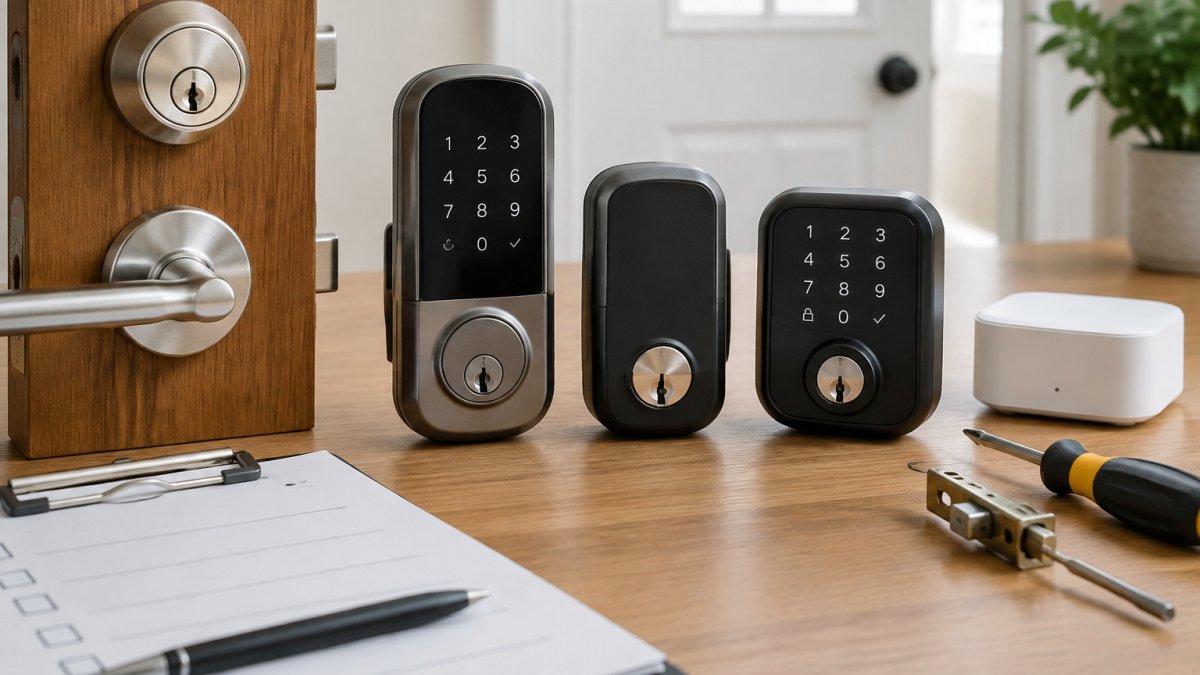
Smart locks come in two main configurations. A single-cylinder deadbolt replaces only the deadbolt, leaving your existing handle or knob in place. A deadbolt and handle combo replaces both the knob and the deadbolt as one unit.
A single-cylinder deadbolt is the easier retrofit when your handle works well and you only want keyless deadbolt control, provided your current deadbolt has a compatible bore and backset. A combo is better when the knob is worn or you want matching hardware, but it takes more work because the door must be prepared for the full set.
Many buyers choose a combo because the handle usually carries the keypad or fingerprint sensor. Check which one your chosen model requires before buying.
Matter-Compatible Smart Locks and Smart-Home Platforms
Matter is a connectivity standard built so devices from different brands work together without a manufacturer-specific bridge (Build With Matter). A Matter-compatible lock can be commissioned into Apple Home, Google Home, Amazon Alexa and Samsung SmartThings and share control across them. Matter runs over Wi-Fi or Thread, and a Thread-based lock needs a Thread border router, often a HomePod mini, Apple TV 4K, Google Nest Hub (2nd gen) or Echo (4th gen), to reach the home network.
Matter is not a blanket guarantee. A lock can be Matter-certified and still expose only a subset of features to a given ecosystem, Apple Home Key may work in Apple Home but not Google Home, and remote access may require the manufacturer's app or a hub. Confirm the exact model against the platform you actually use, not just the brand name.
The protocols behind the lock matter as much as the ecosystem logo on the box. Here is how the common ones compare:
| Protocol | Typical role | Hub or bridge needed? | Phone control | Voice assistants | Remote access |
|---|---|---|---|---|---|
| Wi-Fi | Lock connects directly to the router | No | Yes, via app | Alexa, Google Assistant, often HomeKit via Matter | Yes, over the internet |
| Bluetooth | Local phone-to-lock pairing | No for local; yes for remote | Yes, in Bluetooth range | Usually through a hub or the lock's own bridge | Limited without a bridge |
| Thread | Low-power mesh for Matter | Yes, a Thread border router | Yes, through the ecosystem | Apple Home, Google Home, Alexa, SmartThings (via Matter) | Yes, through the border router |
| Z-Wave | Mesh for hub-based systems | Yes, a Z-Wave hub | Yes, through the hub | Depends on the hub | Yes, through the hub |
| Zigbee | Mesh for hub-based systems | Yes, a Zigbee hub | Yes, through the hub | Depends on the hub | Yes, through the hub |
A few practical patterns follow. A Wi-Fi lock is the simplest path to remote locking without a hub, but it drains the lock's battery faster. A Bluetooth-only lock suits a single-family home where someone is usually nearby, but remote access usually needs the manufacturer's bridge. A Thread or Matter lock is the most future-proof choice if you already own a border router, since it can move between ecosystems without new hardware. Z-Wave and Zigbee locks remain common in homes with an existing hub but stay ecosystem-locked to it and generally will not pair directly with a phone or voice assistant without it.
Here is how the models we see most often line up with common ecosystems:
| Lock | Apple Home / Home Key | Alexa | Google Home | Matter | Starting Price |
|---|---|---|---|---|---|
| Schlage Encode Plus | Yes (Home Key) | Not stated in our sources | Not stated in our sources | Not stated in our sources | $179 |
| Yale Assure Lock 2 | Yes | Yes | Yes | Yes | Not stated in our sources |
| Schlage Encode Smart Wi-Fi | Not stated | Yes (listed) | Yes (listed) | Not stated | Not stated in our sources |
| Nest x Yale | Not stated | Not stated | Not stated | Not stated | $279 |
Best for: Households that want one lock controlled from both Apple and Google devices should confirm Matter support on the specific model and check whether a Thread border router is already in the home.
Skip if: You run a fully Zigbee- or Z-Wave-based system and do not plan to add a Matter controller, since those locks will stay tied to the existing hub.
Watch out: A lock marketed as "works with Alexa" may still need the manufacturer's skill and a linked account, and features like Apple Home Key or remote unlock can be missing even when basic voice control works. Test the exact feature you care about during the return window.
Phone, Voice Assistant and App Control: What Works With Your Setup
Most smart locks pair with a phone app and then add voice control through a home assistant. The phone is usually the main control point. Apple's Home Key lets some locks unlock with an iPhone or Apple Watch, which removes the need to carry a separate fob.
Voice control depends on the assistant and the lock's integration. An Alexa-compatible lock may need a skill or hub, while Google Home may need a different account link. Check the manufacturer's current integration list before buying, because support changes with firmware and platform updates.
Remote access is convenient, but it also depends on Wi-Fi or a hub. If your internet drops, remote unlocking may stop. Confirm the local keypad, key or Bluetooth fallback works without the cloud.
Retrofit or Replace: Installation, Renters and Existing Keys
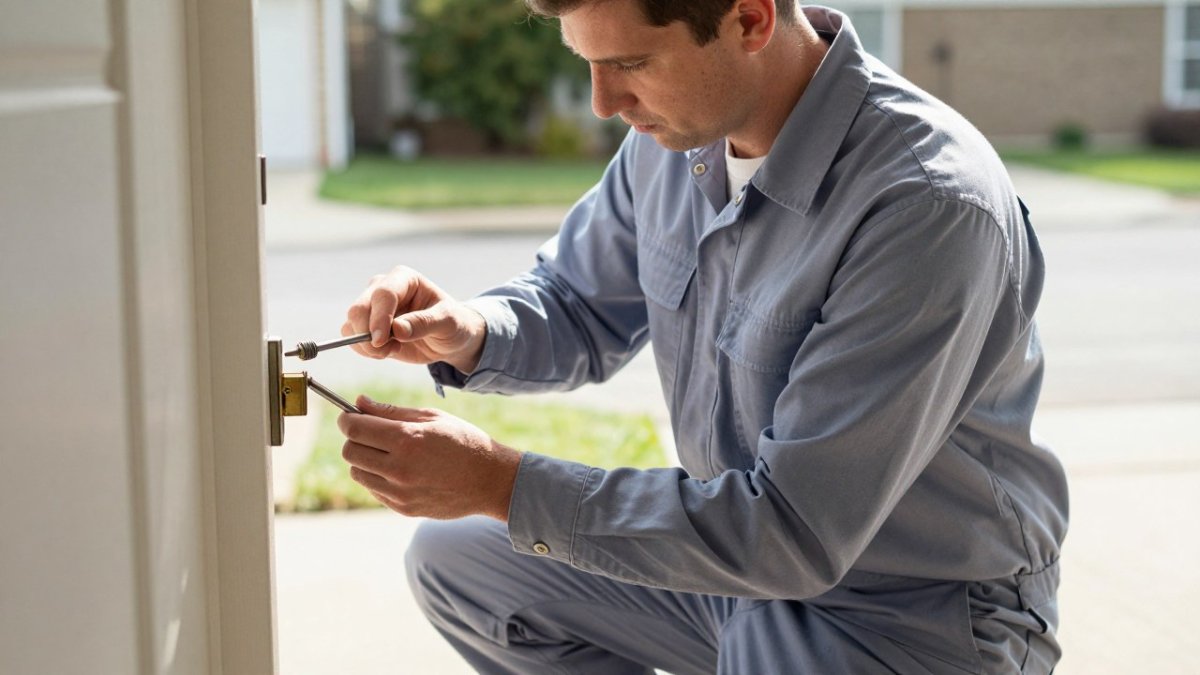
Retrofit versus replacement depends on your existing lock mechanism. For a fuller comparison of rekeying versus replacing door locks, see our complete guide. The difference is not cosmetic, it decides whether a smart lock can be installed at all without cutting new holes.
Single-cylinder deadbolt. This is the most common residential setup and the easiest to retrofit. The smart lock replaces the interior thumb-turn and the exterior cylinder while keeping the door prep.
Deadbolt and handle combo. The smart lock replaces both the knob and the deadbolt as one unit. This is the right call when the existing handle is worn or when the keypad or fingerprint sensor lives on the handle.
Mortise locks. Common in older homes and some higher-end doors, a mortise lock houses the latch and deadbolt in a single rectangular body set into the door edge. Smart lock retrofits for mortise bodies exist but are model-specific and often require a manufacturer adapter kit.
Multipoint locks. Found on many European-style and security doors, multipoint locks drive several locking points from one handle. Smart lock compatibility here is narrow, most consumer smart locks are not designed for multipoint hardware, and the ones that are require a specific adapter and often a professional install.
Integrated handlesets. When the handle and deadbolt are a single factory unit, a standalone smart deadbolt will not fit without removing the handleset. The practical options are a smart lockset designed for that footprint or a full replacement.
Doors without a standard deadbolt. Screen doors, sliding glass doors, garage entry doors and some metal doors do not have a standard 2-1/8 inch bore. These need a surface-mounted smart lock, a dedicated sliding-door lock, or a different access solution entirely. Do not order a standard deadbolt replacement for one of these doors.
Renters face separate decisions. Check the lease before buying, many restrict hardware changes, and some require the original hardware reinstalled at move-out. A retrofit that keeps the existing deadbolt body and exterior key cylinder is easiest to reverse and preserves the landlord's master key.
Existing keys deserve a plan. When you install a new lock, the old keys stop working. Decide who needs access, collect every old key, and program the new lock with fresh codes before removing the old hardware.
Watch out: Do not remove your only working key before the smart lock is fully tested. A failed install with no key can leave you locked out, and on a rental it can also leave you out of compliance with the lease.
Failure Modes, Fallback Access and Ongoing Requirements
Smart locks fail in predictable ways. Batteries run down, Wi-Fi drops, a hub goes offline, or an app update changes how the lock pairs. A good setup plans for each of these before they happen.
Start with the battery. Most models warn you with a low-battery alert, but keep spare batteries on hand and check the level every few months. Next, confirm the lock has a physical key override or a keypad code that works without the app, and test that fallback before you need it.
Ongoing requirements matter too. Some locks need a hub, a monthly subscription for advanced features, or periodic firmware updates. Keep the app updated, and review which users and guest codes are active. Remove access for anyone who no longer needs it.
Scheduling a Compatibility Check With A-1 Locksmith
If you are not sure your door or current hardware will work with a smart lock, a professional check settles it quickly. A-1 Locksmith has served Huntsville since 1970, with licensed and insured technicians.
Review our services to see what installation covers, then contact us to schedule a compatibility check. Bring your door measurements and the platform you use at home, and we will confirm the right fit before you spend money on hardware.
Frequently Asked Questions
Are smart locks compatible with all doors?
No. Smart locks are designed for specific door thicknesses, backset distances and bore hole sizes, and some doors need a different lock type. Measure the door edge before buying, check whether the existing deadbolt is single-cylinder, and confirm that the handing matches the door's opening direction. Doors with unusual hardware, older frames or heavy steel construction often need a professional assessment before any smart lock is ordered.
What smart locks are Matter-compatible?
Matter is a cross-platform smart-home standard, and compatibility is listed by individual lock model rather than by brand. Check the manufacturer's current compatibility list for the exact model and the hub or bridge it requires before purchase.
Can a smart lock work with my phone and smart home system?
Usually, but the answer depends on the lock and the platform. Some models support Apple Home Key, which lets you unlock with an iPhone or Apple Watch, while others rely on a Wi-Fi connection, a bridge or a hub. Confirm which ecosystem your household already uses, whether the lock needs a separate hub, and whether phone unlocking works when the battery is low.
Do smart locks work with existing deadbolts?
Many do, but a smart lock often replaces the interior and exterior hardware rather than attaching to an existing deadbolt. Retrofit kits fit some standard single-cylinder deadbolts, while other models need a full replacement.