 blog
blog
Smartlock alternatives for commercial security
Table of Contents
- Why businesses move beyond smartlocks
- Commercial access control systems explained
- Keyless entry for small business: Electronic locks vs. proximity readers
- Door security hardware standards and compliance
- Installation, compatibility, and retrofit kits
- Total cost of ownership and long-term maintenance
- Security vulnerabilities and cybersecurity in commercial locks
- Choosing the right alternative for your business
- Frequently Asked Questions
Last Updated: September 27, 2026
Why businesses move beyond smartlocks
Most businesses discover the hard way that smartlock alternatives commercial systems are necessary because smartlocks can't grant temporary access to contractors, audit who entered when, or revoke permissions instantly across multiple doors.
Smartlocks prioritize convenience over the access management, audit trails, and integration that commercial operations need. Facility managers overseeing multiple locations, dozens of employees, and rotating contractors require systems that scale operationally.
Commercial access control systems handle credential management across hundreds of users, maintain detailed access logs, integrate with existing security infrastructure, and let you manage permissions from a single dashboard. Businesses outgrow smartlocks because the technology itself can't meet commercial demands.
The real question isn't whether to upgrade, it's what alternative actually fits your operation, your budget, and your compliance requirements.
Commercial access control systems explained
A commercial access control system is a networked platform that manages who can enter which doors, when, and what happens when they do, orchestrating permissions across your entire facility, unlike a smartlock that operates at a single point.
Access control systems maintain enterprise-grade encryption, support multiple authentication methods (keycards, biometric readers, proximity readers, PIN codes), and generate audit trails documenting every access event. They integrate with door hardware and surveillance systems, enforce time-based access expiration automatically, and provide timestamped records for incident investigation.
The architecture includes a central access control panel, credential readers at each door, electronic locks or strikes, and management software, either cloud-based or on-premises, depending on facility size, security requirements, and IT infrastructure.
For small commercial operations, the inflection point usually comes around 5-10 doors or when you need to manage more than a handful of users with varying access levels. Below that, simpler keyless entry solutions often suffice; above it, a proper access control system pays for itself through reduced key management overhead and better security visibility.
Keyless entry for small business: Electronic locks vs. proximity readers
For small commercial spaces, a single office, a small retail location, or a light industrial unit, you don't always need a full access control system. Electronic locks and proximity readers sit in the middle ground between a smartlock and enterprise infrastructure.
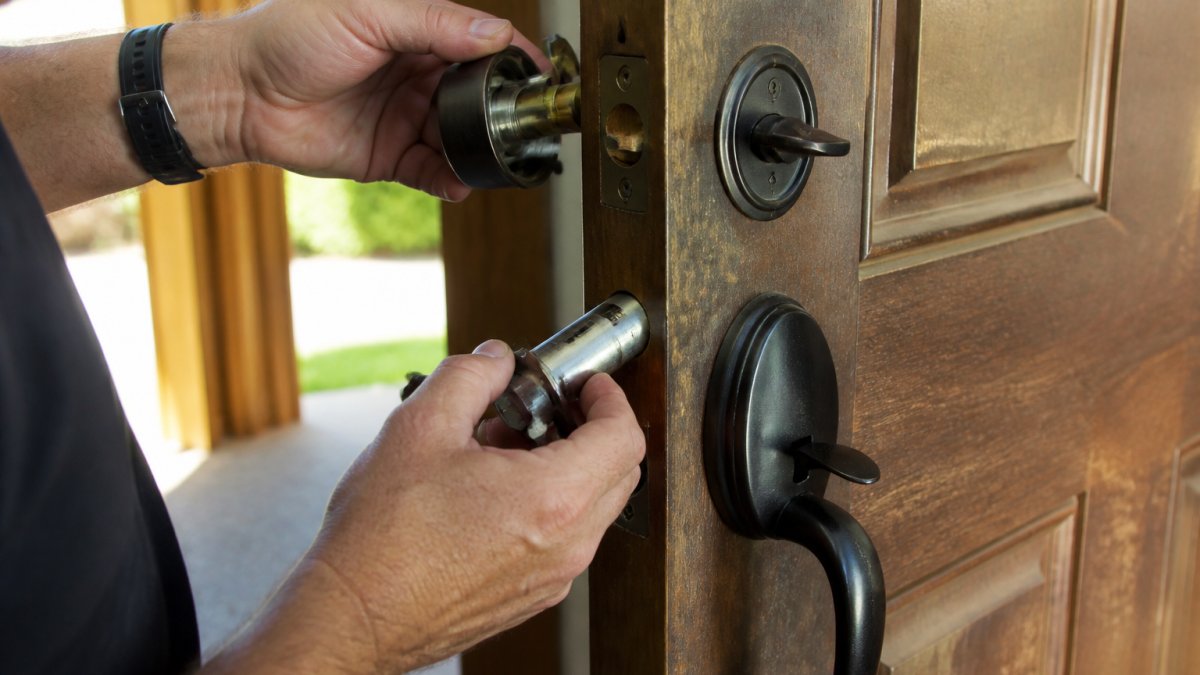
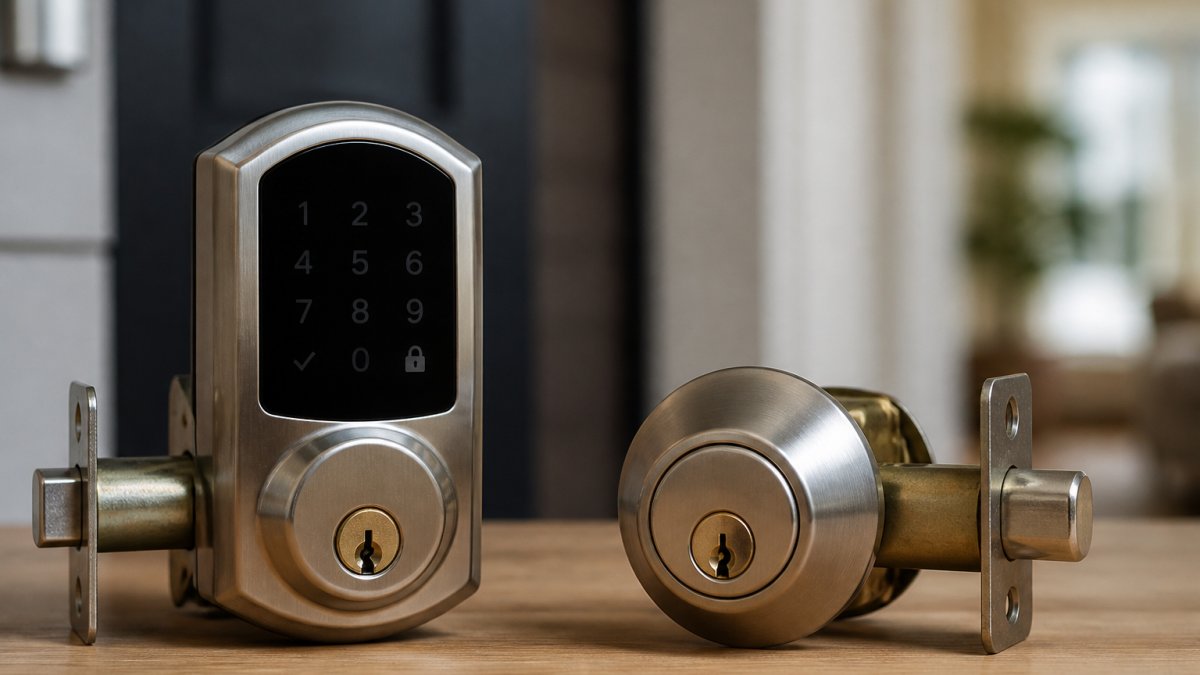
Electronic locks are standalone devices that mount on a standard door and accept PIN codes, keycards, or mobile credentials. Installation is straightforward; retrofitting typically takes under an hour. The advantage is simplicity: no network required, no cloud dependency. The limitation is that each lock operates independently, so revoking access across multiple doors requires reconfiguring each device.
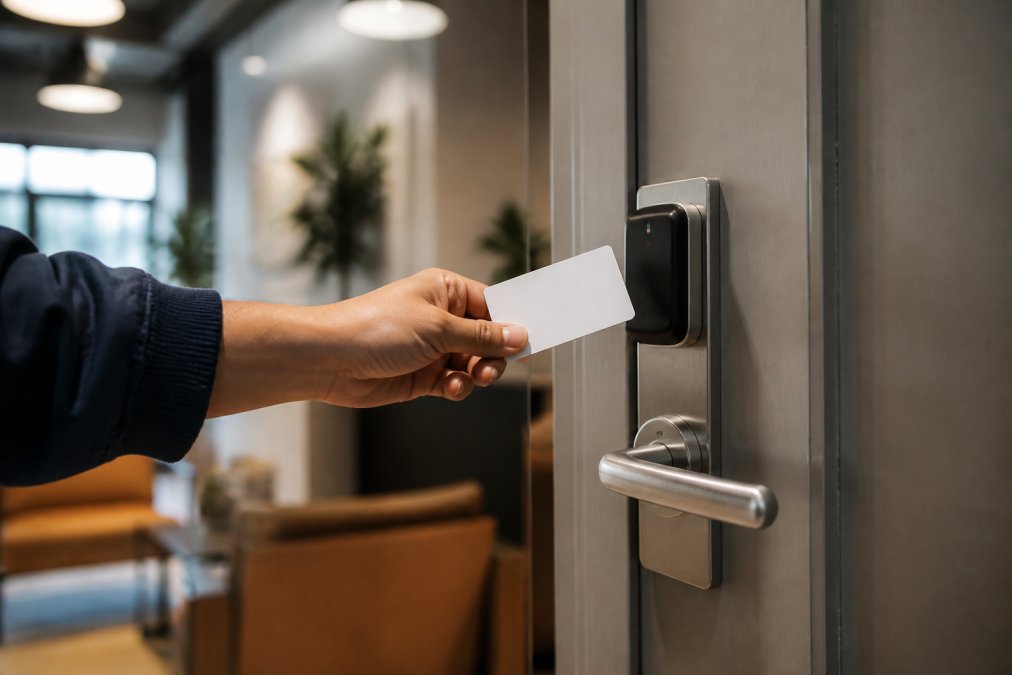
Proximity readers read credentials (typically RFID cards or fobs) wirelessly and trigger an electronic strike or latch. They require wiring to a control panel, adding installation complexity but enabling centralized management, access changes propagate instantly across all connected doors.
The choice depends on facility layout and budget. Proximity readers demand more upfront investment for wiring and control panel infrastructure; electronic locks are cheaper to install but less flexible as you grow. Both are substantially more secure than smartlocks because they're designed for commercial-grade hardware.
Code-entry systems and biometric options
Code-entry systems (keypads) are the simplest electronic option, inexpensive and minimally invasive. The downside: PINs can be shared or compromised, and there's no audit trail of who entered. They're better suited as a supplementary access method than as your primary security layer.
Biometric authentication (fingerprint or iris scanning) offers stronger security because credentials can't be lost, stolen, or shared. The tradeoff is cost and user friction. They work best in high-security environments (server rooms, vaults, sensitive data areas) or as part of multi-factor authentication where biometric verification supplements a keycard or PIN.
Door security hardware standards and compliance
Commercial-grade hardware must meet specific standards for durability, security rating, and compatibility with your existing door frame and latch assembly.
ANSI/BHMA (American National Standards Institute / Builders Hardware Manufacturers Association) grades determine security ratings: Grade 1 for high-traffic facilities, Grade 2 for most commercial applications, Grade 3 for low-security environments. Your facility's risk profile and local building codes determine which grade you need.
The latch and strike plate must match the lock mechanism. Electronic locks come in rim-mounted, mortise-mounted, or cylindrical configurations. A licensed technician assesses your existing hardware and recommends compatible options to avoid failed installations or security gaps.
Fire safety codes and mechanical override requirements
Electronic locks must comply with fire safety codes, which vary by jurisdiction and occupancy type. The core requirement is that doors must unlock automatically during a fire alarm or power failure so occupants can exit safely, called "fail-safe" configuration.
Most commercial electronic locks support fail-safe operation: when power is cut (whether by a fire alarm signal or power loss), the lock defaults to unlocked. Some locks also support "fail-secure," where they remain locked on power loss, but this is typically only used for high-security areas and must be explicitly approved by your local fire marshal.
Additionally, fire codes require a mechanical override, a manual key or handle that allows emergency exit without electricity. Every electronic lock must have this backup, and it must be accessible and clearly marked. This is non-negotiable, and it's a common oversight when businesses install smartlocks without consulting local fire safety requirements.
Before you install any electronic lock system, verify your local fire code requirements. A-1 Locksmith stays current with local regulations in the communities we serve, and we always confirm compliance during the assessment phase. A system that violates fire code creates liability and can result in fines or forced reinstallation.
Installation, compatibility, and retrofit kits
Installing an electronic lock on an existing commercial door is often simpler than it sounds, but it depends on your current hardware and door configuration.
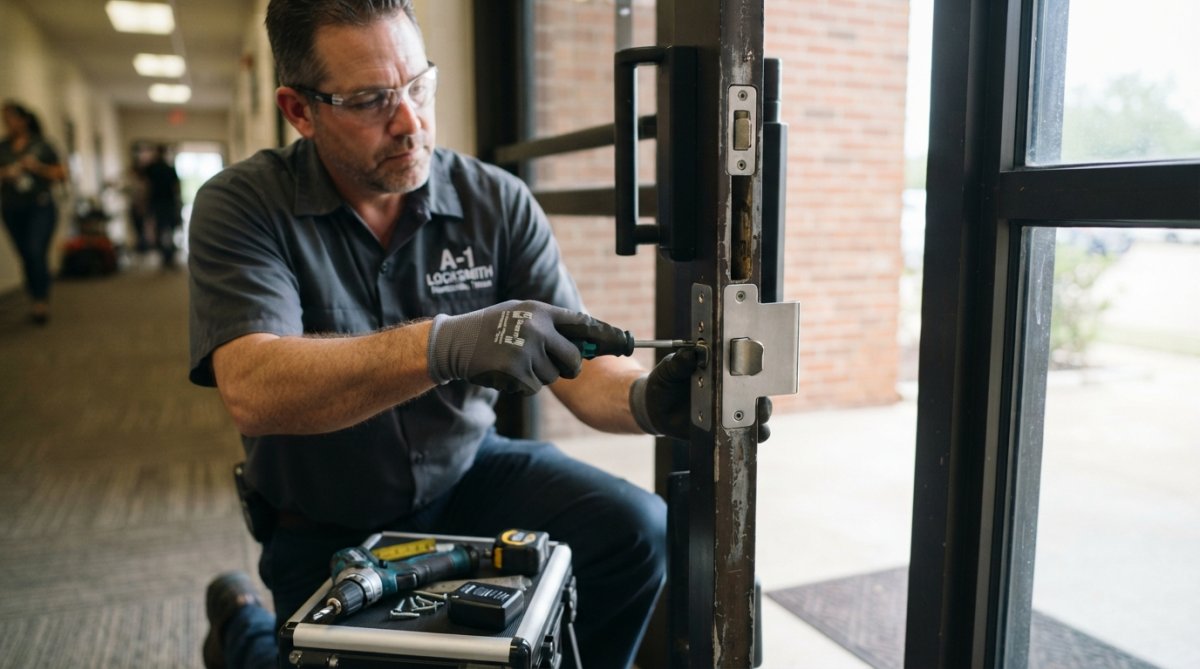
Retrofit kits are pre-assembled packages designed to work with standard commercial door frames. They typically include the electronic lock body, strike plate, power supply, and wiring (if needed). A licensed technician evaluates your door, checking the frame type, existing latch configuration, and power accessibility, and selects the appropriate kit. For most standard commercial doors, installation takes 30 minutes to an hour.
The main compatibility issues arise with older doors or non-standard frames. Antique or custom doors sometimes require custom fabrication or frame modification, which increases cost and timeline. This is why the assessment phase matters: a technician can identify potential complications before work begins, not after you've already paid for materials.
Power supply is another consideration. Some electronic locks are battery-powered (typically lasting 1-2 years before replacement), while others are hardwired to building power. Battery-powered systems are easier to install but require maintenance. Hardwired systems are more reliable but demand electrical work, which must be done by a licensed electrician to meet code.
For proximity reader systems, the installation is more involved because it includes wiring from each reader to a central control panel. This typically requires running conduit through walls or ceilings, which is more invasive than a standalone lock installation. Budget accordingly and plan for potential disruption to your facility.
Total cost of ownership and long-term maintenance
The upfront cost of an electronic lock or access control system is just the beginning. Total cost of ownership includes installation, maintenance, battery replacement, software licensing, and eventual upgrades.
A standalone electronic lock might cost between installation and hardware, but battery replacement every 1-2 years adds ongoing expense. A proximity reader system costs more upfront because of the control panel and wiring infrastructure, but it scales better as you add more doors, each additional reader is cheaper than installing a standalone lock.
Cloud-based access control systems often charge monthly subscription fees for management and audit trail storage. On-premises systems have higher upfront costs but lower ongoing fees. The break-even point depends on your facility size and how long you plan to keep the system.
Maintenance is often overlooked. Electronic locks require occasional servicing, cleaning contacts, testing backup power, updating firmware. Proximity reader systems need periodic calibration of readers and battery checks. Budget for annual maintenance or a service contract, especially if you don't have in-house technical staff.
When comparing options, don't just look at the price tag. Calculate total cost over five years, including installation, batteries, maintenance, and any licensing fees. A slightly more expensive system with lower maintenance costs often wins over the long term.
Security vulnerabilities and cybersecurity in commercial locks
Electronic locks introduce new security considerations that mechanical locks don't have. The most common vulnerabilities are outdated encryption, weak credential management, and lack of audit trails.
A smartlock that communicates over Bluetooth without encryption is vulnerable to interception or replay attacks, where someone captures and replays an unlock signal.
Choosing the right alternative for your business
The smartlock alternative for commercial security that's right for you depends on three factors: facility complexity, security requirements, and budget.
Frequently Asked Questions
What are the main smartlock alternatives for commercial doors?
Commercial-grade alternatives include electronic keypads, proximity card readers, biometric systems, and integrated access control systems. These options offer enterprise-grade encryption, audit trails, and credential management that standard smartlocks lack. Electronic locks with mechanical overrides meet fire safety codes, while proximity readers provide faster access for high-traffic areas. Your choice depends on door hardware compatibility, user volume, and integration with existing security infrastructure.
How do keyless entry systems for small business differ from residential smartlocks?
Commercial keyless entry systems are built for durability, higher access frequency, and security compliance. They feature reinforced latch and strike plates, fail-safe or fail-secure modes, and audit trails that track every access event. Residential smartlocks prioritize convenience over compliance and typically lack the multi-factor authentication, mechanical override, and fire code integration that commercial doors require. Commercial systems also support credential management for dozens of users with role-based permissions.
What fire safety codes apply to commercial door security hardware?
Commercial doors must comply with ADA accessibility standards and fire code requirements under the International Fire Code (IFC) and local building codes. Doors on fire-rated walls require fail-safe locks that unlock automatically during emergencies, while mechanical overrides ensure manual exit without electronics. Fire exits cannot be solely electronic; they need push-bar panic hardware or mechanical keys. Your door security hardware must pass inspection for both security and life safety, a licensed technician can verify compliance during installation.
How much does a commercial access control system cost compared to a smartlock?
Total cost of ownership for commercial systems depends on door count, user volume, integration with existing infrastructure, and whether you choose battery-powered or hardwired solutions. Professional installation, audit trail storage, and multi-year maintenance are significant factors. Pricing varies widely based on your specific requirements and business size. Contact A-1 Locksmith for a detailed quote that accounts for your door hardware, compliance needs, and long-term security goals.