 ultimate-guide
Residential Lock Upgrade Guide 2026
Table of Contents
- Why Upgrade Your Residential Locks
- Rekey vs. Replace Locks: Which Option Is Right for You
- Residential Deadbolt Upgrade: Choosing the Right Security Grade
- Residential Lock Rekeying: When and How It Works
- Smart Lock Buying Guide: Digital Access Options
- Installation: DIY vs. Professional Locksmith Services
- Lock Maintenance and Security Assessment Checklist
- Special Considerations: Rentals, Condos, and Building Codes
- Frequently Asked Questions
Last Updated: October 9, 2026
Why Upgrade Your Residential Locks
Security vulnerabilities in your home often start at the entry point. A residential lock upgrade addresses the weakest link in your perimeter defense, preventing unauthorized access and giving you control over who enters your property.
The reasons to upgrade fall into three categories: security failures, convenience gaps, and access control. An old lock may have worn pins that allow picking. A broken lock leaves you vulnerable during the repair window.
Most homeowners wait until something breaks. That's reactive. The better approach is to assess your current setup, identify which doors need attention most, and plan upgrades that match your actual risk profile and lifestyle.
Rekey vs. Replace Locks: Which Option Is Right for You
Rekeying changes the internal pins so existing locks work with a new key. Replacing installs entirely new hardware. The choice depends on the lock's condition, your security goals, and your budget.
Rekey your locks when the hardware itself is sound but you've lost keys, moved into a home with unknown key copies, or need to change access after a tenant moves out.
Replace locks when the existing hardware is damaged, outdated, or doesn't meet your security needs.
A common mistake is rekeying a lock that should be replaced. If the lock has loose tolerances, visible damage, or a low security grade, rekeying just delays the inevitable replacement.
Residential Deadbolt Upgrade: Choosing the Right Security Grade
Understanding Security Grades and Standards
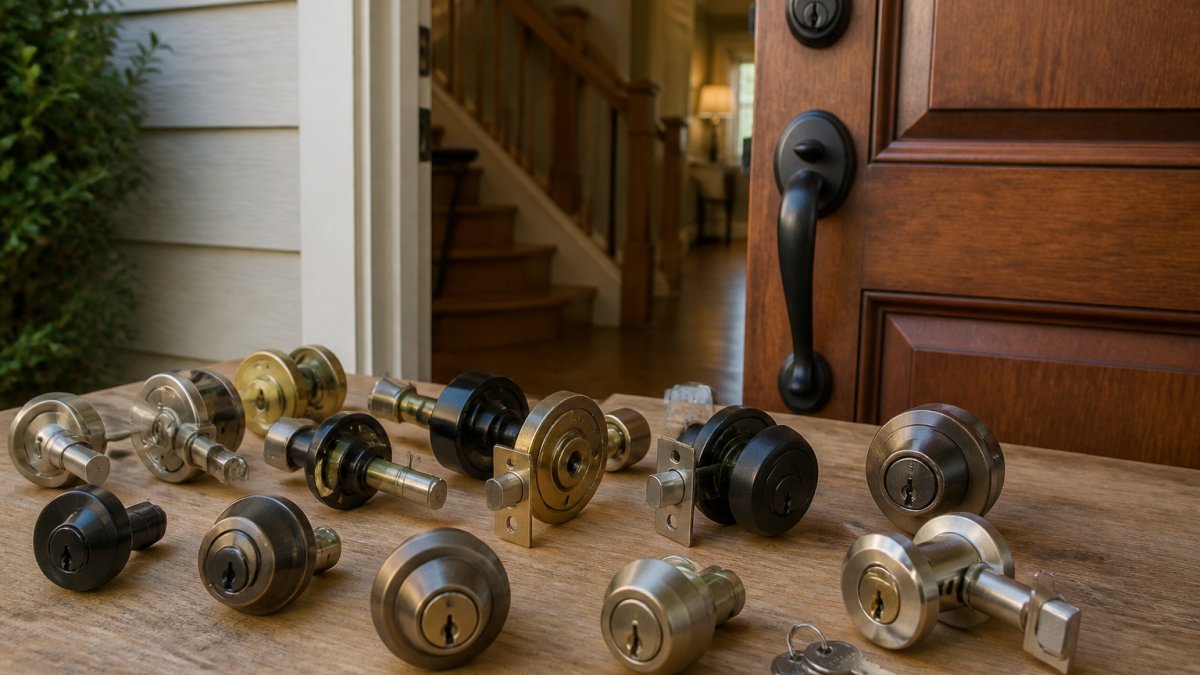
Deadbolts are graded by the American National Standards Institute (ANSI) on a scale of 1 to 3, with 3 being the most secure.
For a residential lock upgrade, Grade 1 or Grade 2 deadbolts are worth the investment if you own your home.
The standard also covers the lock's resistance to picking, bumping, and drilling. A Grade 1 deadbolt rated for pick resistance meets or exceeds standards set by the ANSI/BHMA security standards.
Door and Frame Reinforcement
A deadbolt is only as strong as the door and frame it's mounted to. Many homeowners upgrade the lock but ignore the door frame, which is a critical weak point. A solid kick can split a weak frame even if the lock is Grade 1.
Reinforce your frame by installing a strike plate with at least 3-inch screws that penetrate the door frame and into the wall studs behind it. Standard 1-inch screws only grip the frame itself and offer minimal resistance to forced entry.
If your door frame is damaged, cracked, or warped, replacement may be necessary. A compromised frame undermines every lock upgrade you make.
Residential Lock Rekeying: When and How It Works
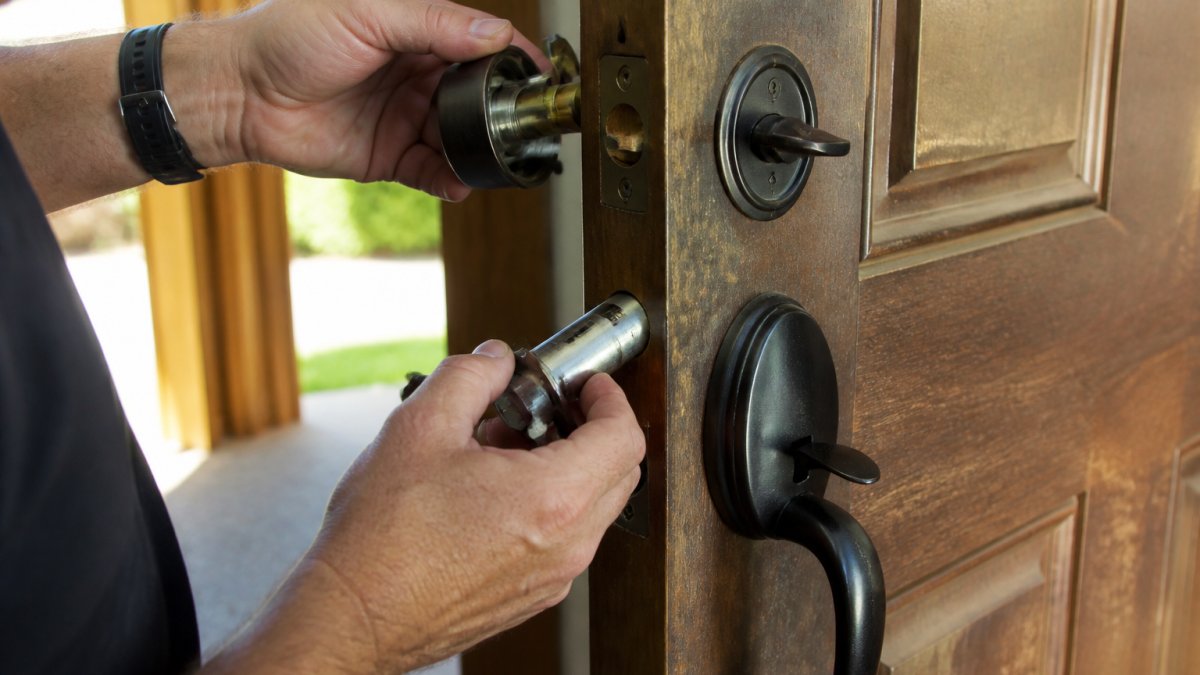
Rekeying is the process of removing the lock cylinder, extracting the old pins, and installing new pins so the lock responds to a different key. It takes 10-15 minutes per lock and preserves the existing hardware.
The process requires a locksmith to disassemble the cylinder, identify the current pin stack, and replace it with a new one cut to your new key's specifications.
After rekeying, test all locks with your new key before the locksmith leaves. Verify that the key turns smoothly, the bolt retracts fully, and the lock re-engages when the door closes.
Smart Lock Buying Guide: Digital Access Options
Smart locks replace the traditional key with digital access methods: keypads, fingerprint readers, mobile apps, or voice commands. They offer convenience and remote control but introduce new considerations around battery life, cybersecurity, and what happens when the system fails.
Keypad and Fingerprint Entry Systems
A keypad lock lets you enter a numeric code to unlock the door. No key needed. Fingerprint locks read your fingerprint and unlock if it matches.
Keypad locks are reliable and don't require batteries as often as other smart options. The downside is that codes can be shared, observed, or forgotten.
For a residential lock upgrade that prioritizes convenience without complexity, a keypad lock is a solid choice. For maximum security with minimal key sharing, fingerprint is stronger. Both should have a physical key backup for emergencies.
Mobile App and Voice Assistant Integration
App-based locks let you unlock your door from anywhere using your smartphone. You can grant temporary access to guests, receive notifications when someone unlocks the door, and revoke access remotely without rekeying.
Voice assistant integration means you can say "Alexa, unlock the front door" and the door unlocks. This is convenient but requires careful consideration of privacy and security. Anyone in earshot can hear the command.
App-based locks are ideal if you manage rental properties, have frequent guests, or want an audit trail of who accessed your home and when. They're less ideal if you're uncomfortable with network connectivity or prefer mechanical simplicity.
Smart Lock Privacy and Cybersecurity Considerations
Smart locks transmit data over your home network or the internet. That data includes access logs, unlock events, and sometimes location information. Before installing a smart lock, understand what data the manufacturer collects and how it's stored.
Choose a smart lock from a manufacturer with a clear privacy policy. Avoid locks that require sharing your location with the company or that sell access data to third parties.
Battery life is a practical security concern. A smart lock that dies after three months leaves you unable to unlock remotely and potentially unable to unlock at all if the mechanical key backup is lost.
Have a backup plan for network outages.
Installation: DIY vs. Professional Locksmith Services
Installing a new deadbolt yourself is possible if you have basic tools and patience. The process involves removing the old lock, drilling or enlarging the hole if needed, and installing the new lock with the strike plate.
The risk of DIY installation is misalignment. If the lock hole isn't centered on the door or the strike plate isn't aligned with the bolt, the lock may bind, fail to latch, or be easy to force open.
Smart locks add complexity. They require electrical knowledge to understand battery installation, WiFi setup, and app pairing. If something goes wrong, you may find yourself locked out while troubleshooting a connection issue.
When to Call a Professional
Call a professional locksmith if you're upgrading to a smart lock, replacing the door frame or strike plate, installing a lock on a door you've never worked with before, or if you feel uncertain about any step.
A professional locksmith ensures the lock is installed correctly, the door and frame are properly reinforced, and all access methods (key, code, app, fingerprint) are tested before they leave.
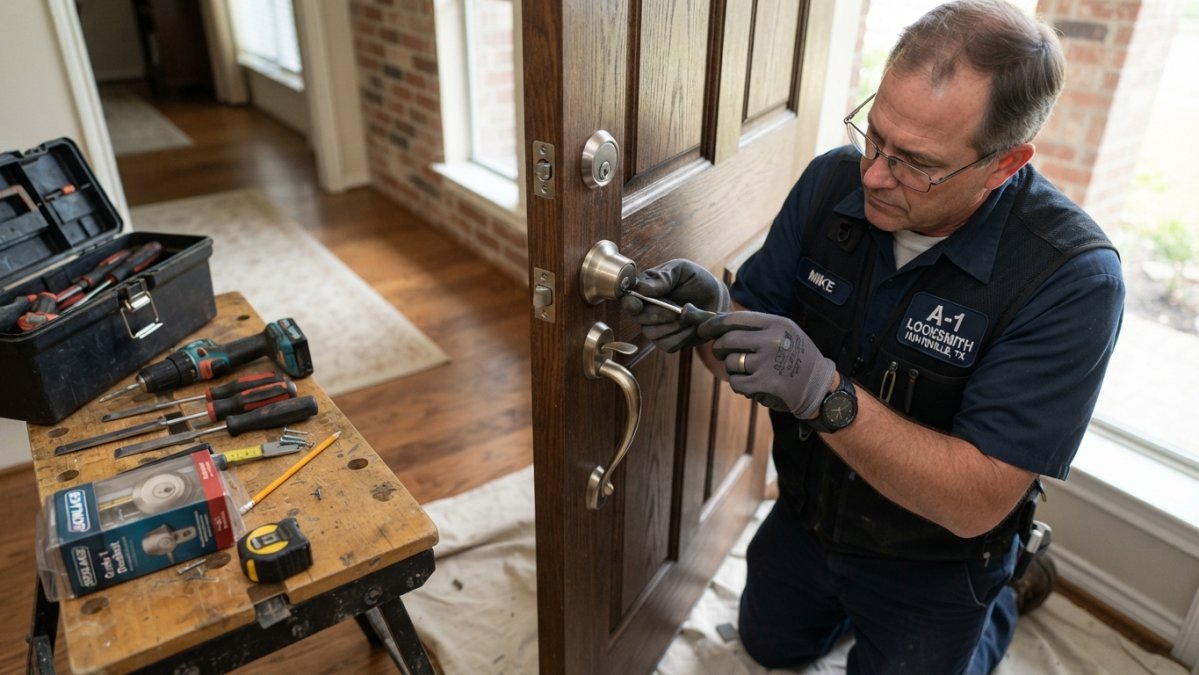
A-1 Locksmith has been serving the community since 1970 with licensed and insured technicians who handle residential lock upgrades from assessment through installation. We test every lock before we leave and make sure your backup access methods work so you're never locked out.
Lock Maintenance and Security Assessment Checklist
Inspect your locks every six months. Check that keys turn smoothly, bolts retract fully, and locks re-engage when the door closes.
Test your strike plate by pushing hard on the closed door. If the frame flexes or the door moves, the strike plate screws need to be longer or tightened. Check the frame for cracks, gaps, or soft wood.
For smart locks, test the backup access method monthly: unlock with the physical key, the keypad code, or the fingerprint reader. Verify that the app still connects and shows the current lock status.
| Security Check | Frequency | What to Look For | Action If Found |
|---|---|---|---|
| Lock cylinder operation | Every 6 months | Smooth turning, full bolt retraction | Lubricate with graphite powder |
| Strike plate integrity | Every 6 months | Tight mounting, frame flexing resistance | Tighten or replace screws |
| Door frame condition | Every 6 months | Cracks, gaps, soft wood, separation | Repair or replace frame section |
| Smart lock battery | Monthly (smart locks only) | Battery level in app | Replace battery before depletion |
| Backup access methods | Monthly (smart locks only) | Physical key, code, fingerprint, app | Test each method; troubleshoot failures |
Special Considerations: Rentals, Condos, and Building Codes
If you rent your home, you likely can't replace locks without landlord permission. Check your lease. Many leases prohibit lock changes. If you want to upgrade, ask your landlord in writing. Some landlords allow rekeying but not replacement.
For condos and apartments, check your building's bylaws and the lease. Many buildings require that all residential locks be keyed to a master key for emergency access.
Keypad and smart locks may also violate condo rules if they prevent emergency access. Before installing a smart lock in a rental or condo, confirm with your landlord or building management that it's allowed.
Frequently Asked Questions
When should I upgrade or replace my residential locks?
Replace locks if they show visible damage, won't lock smoothly, or you've lost keys. Upgrade when moving into a new home, after a break-in, or to improve security. Rekey locks if you want to change who has access without replacing hardware. Most homeowners benefit from a security assessment every 3-5 years to identify vulnerabilities and plan upgrades that match your changing needs.
Should I rekey or replace my residential locks?
Rekey your locks if the hardware is sound but you need to change access (new tenants, lost keys). Replace locks if hardware is worn, damaged, or you want to upgrade to a higher security grade or smart lock system. Rekeying is typically more affordable and faster, while replacement gives you modern features and better security ratings. A professional locksmith can assess your doors and recommend the most cost-effective option for your situation.
What should I look for in a residential deadbolt?
Choose a deadbolt rated ANSI Grade 2 or higher for exterior doors. Look for a solid brass or steel construction, at least a 1-inch throw length, and compatibility with your door thickness. Consider your door material (wood, metal, composite) and frame condition, as reinforcement may be needed. For rental properties or shared buildings, verify local codes allow permanent installation. Smart deadbolts should offer battery backup, offline access, and encryption for security and reliability.
Are smart locks more secure than traditional deadbolts?
Smart locks and traditional deadbolts offer different security profiles. Traditional deadbolts provide reliable physical security with no batteries or connectivity issues. Smart locks add convenience and remote monitoring but depend on battery life, internet connectivity, and cybersecurity. The most secure approach combines a high-grade physical deadbolt with a smart lock overlay, giving you both physical protection and digital access control. Choose based on your priorities: maximum reliability favors traditional locks; convenience and access logging favors smart options.
Can I install a residential lock upgrade myself, or do I need a professional?
Simple deadbolt replacement on standard doors is possible for experienced DIYers, but most upgrades benefit from professional installation. Locksmiths ensure proper alignment, frame reinforcement, and compatibility with your door and security system. Professional installation also protects your warranty and guarantees the lock functions correctly under pressure. If you're uncertain about door condition, frame strength, or smart lock setup, hiring a licensed locksmith saves time, prevents costly mistakes, and ensures your security system works as intended.
What is the difference between rekeying and replacing a residential lock?
Rekeying changes the internal pins so old keys no longer work, but keeps the existing lock hardware. Replacing removes the entire lock and installs new hardware. Rekeying is faster and less expensive when hardware is still functional. Replacement is necessary for damaged locks, security upgrades, or when switching to smart locks. Both require professional work for proper execution, and a locksmith can advise which option protects your home best and fits your budget.
Do smart locks work with my existing deadbolt, or do I need to replace it?
Some smart locks retrofit over existing deadbolts without full replacement, while others require the old lock to be removed. Retrofit options are faster and cheaper but may have compatibility limits. Full replacement gives you a unified smart deadbolt with better integration and security. Before purchasing, confirm your door type, deadbolt size, and whether your door frame can support the new hardware. A professional locksmith can assess compatibility and recommend the best smart lock option for your specific door setup.
A residential lock upgrade protects what matters most. Whether you choose to rekey, replace with a mechanical deadbolt, or go smart, the key is matching the solution to your actual risk, your lifestyle, and your budget. A-1 Locksmith can assess your current setup, recommend upgrades that fit your needs, and handle installation so it's done right. Contact us for a security assessment and transparent quote on residential lock upgrades tailored to your home.