 How-to
How to Rekey a Smart Lock After Moving Into a New Home
Last Updated: November 21, 2026
Quick Summary
Yes, you can rekey smart lock hardware after moving, but only the mechanical key cylinder, not the electronic side. Rekeying changes the keyway while codes, fobs, and app users must be reset separately, and most smart locks need both jobs after a move.
- A keyhole below or beside the keypad means your lock has a physical cylinder that can be rekeyed.
- Kwikset SmartKey cylinders are rekeyed with the current working key and a small SmartKey tool.
- On move-in day, factory reset the lock, delete old app users, and change the master PIN.
- Rekeying suits a working lock with a key cylinder; replace old, unsupported, or fully electronic locks.
- Call a locksmith if you have no key, no model number, or a seized or damaged cylinder.
Table of Contents
- Can You Rekey a Smart Lock After Moving?
- Mechanical Rekeying vs. Electronic Access Reset
- How to Identify If Your Smart Lock Has a Physical Key Cylinder
- How to Rekey a Smart Lock Without the Original Key
- Kwikset SmartKey Instructions for Smart Locks
- How to Reset Smart Lock Access Codes After Moving
- Smart Lock Rekeying vs. Replacement: Which Is Right for You?
- Troubleshooting Common Rekeying Issues
- When to Call a Locksmith for Smart Lock Rekeying
- Frequently Asked Questions
Can You Rekey a Smart Lock After Moving?
Yes, you can rekey smart lock hardware after moving, but only the mechanical part.
The metal keyway changes, while codes, app access, and PINs get wiped and rebuilt separately. Miss either half and you leave a door open.
This guide walks through both.
Below, we show you exactly how to handle each part, how to check your lock model, and when to call a pro.
Mechanical Rekeying vs. Electronic Access Reset
Mechanical rekeying changes which cut key opens the lock. Electronic access reset changes which codes, fobs, and app users can open it. They are two separate jobs on the same device.
- Rekeying swaps the pins inside the key cylinder so the old key stops working and a new one starts.
- Resetting access deletes old PIN codes, removes former users from the app, and clears keypad memory.
- Rekeying protects the backup key path. Resetting protects the keyless entry path.
Most smart locks need both after a move. A rekeyed cylinder with live old codes is still an open door.
For the mechanical side in more detail, see our step-by-step DIY rekeying guide covers the full process.
How to Identify If Your Smart Lock Has a Physical Key Cylinder
Look at the outside of the door. A keyhole below or beside the keypad means your lock has a physical cylinder and can be rekeyed. But a keyhole alone does not tell you whether that cylinder is rekeyable, what keyway it uses, or whether a rekey kit exists.
- Front face: a keyhole means a mechanical backup exists.
- Bottom edge: some models hide the cylinder under a small cover.
- Side bolt: a thumbturn inside plus a keyhole outside confirms a standard cylinder.
Watch out: a keyhole cover or rubber plug can hide the cylinder on weatherproof models. Pop it open before you assume there is no key override.
Verify the model before you rekey
The model number helps identify the cylinder type and the rekey method. Find it in one of these places:
- Interior battery compartment: most smart locks print the model and serial number on a label inside the cover.
- Mounting plate: remove the interior thumbturn or cover; the model is often stamped on the plate that sits against the door.
- Original packaging or manual: the box lists the model, the cylinder type, and the keyway.
- App device settings: most companion apps show the model name and firmware version under device info.
- Manufacturer support lookup: enter the model on the brand's support page to confirm the cylinder type and whether rekeying is supported.
Match the cylinder type to the rekey method
Once you have the model, identify the cylinder family. The three you will encounter most often are:
- Standard pin-tumbler cylinder: rekeyed by a locksmith or with a pin kit; the cylinder must be removed or the pins accessed through the plug.
- SmartKey-style cylinder: rekeyed with the current working key and a small tool, no pin kit required. Kwikset SmartKey Security locks fall in this group and can be rekeyed repeatedly (Support for Re-keying & SmartKey).
- Non-rekeyable or sealed cylinder: some fully electronic locks use a sealed cylinder or a proprietary core that must be replaced rather than rekeyed. The manual will say "non-rekeyable" or list a replacement cylinder part number.
If the manual does not state the cylinder type, call the manufacturer's support line with the model and serial number. They can confirm whether a rekey kit exists and which one fits. The same lock body often ships with different cylinders across production runs, so the serial number narrows it down.
Check compatibility before buying a kit
Before you order a rekey kit or replacement cylinder, confirm three things:
- The kit lists your exact model, not just the brand.
- The keyway matches the key you have or the key you plan to use.
- The cylinder's internal drive matches the lock's actuator, so the deadbolt throws fully.
A generic cylinder that fits the hole but not the drive will turn, yet the deadbolt may not extend all the way. That is a security failure, not a cosmetic one. If you cannot confirm compatibility, have a locksmith identify the cylinder in person.
No keyhole anywhere means the lock is fully electronic. You cannot rekey it. You reset it and manage access through the app or keypad only.
How to Rekey a Smart Lock Without the Original Key
You can rekey a smart lock without the original key, but only if you can remove the cylinder and either replace it or use a rekeying kit matched to the brand. Without the old key, the quick SmartKey-style method usually will not work.
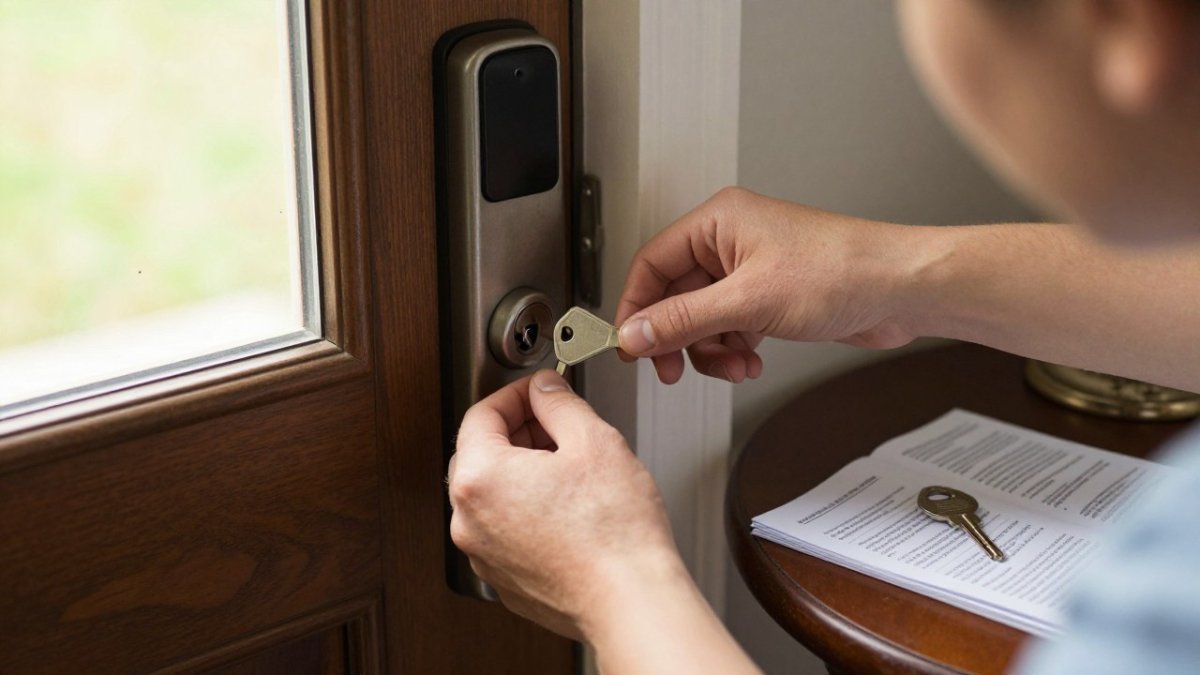
Here is the realistic path:
- Confirm the brand and model. The rekey method depends entirely on the cylinder type.
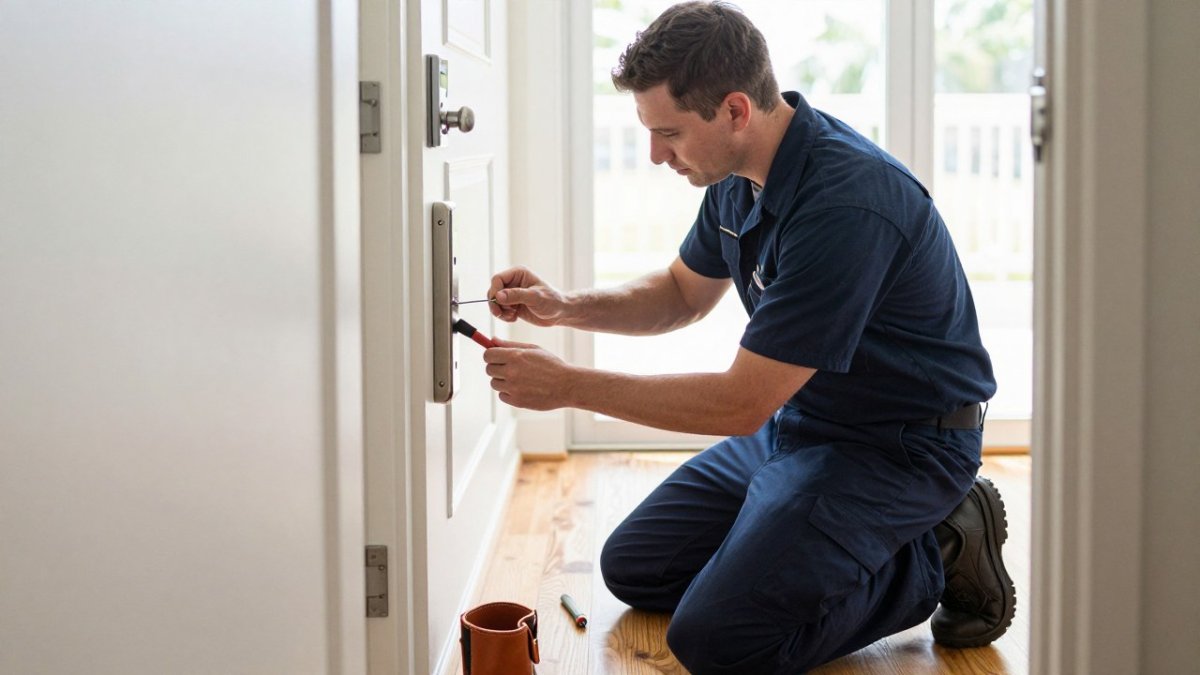
- Remove the cylinder. Take off the interior cover and unscrew the cylinder from the lock body.
- Match the replacement. Buy a cylinder built for that lock, or a rekey kit for that keyway.
- Install and test. Fit the new cylinder, then test the new key several times before closing the door.
If you have no key and no model number, a licensed locksmith can help identify the cylinder and advise on rekeying or replacement.
Kwikset SmartKey Instructions for Smart Locks
Kwikset SmartKey locks use the current working key plus a small SmartKey tool to rekey the cylinder.
Steps for a Kwikset SmartKey cylinder:
- Insert the current key and turn it about a quarter turn, roughly 90 degrees, to the rekey position.
- Push the SmartKey tool into the small hole next to the keyway.
- Remove the current key while holding the tool in place.
- Insert the new key and turn it back to the original position.
- Remove the tool, then test the new key several times.
How to Reset Smart Lock Access Codes After Moving
Resetting access codes is the step people skip, and it matters most for security. Former occupants, cleaners, and contractors may still have working codes or app access.
Do this on move-in day:
- Factory reset the lock using the brand's reset button or procedure.
- Delete old users from the mobile app and re-invite only your household.
- Change the master PIN and every entry code.
For locks tied to a hub or smart home system, also remove the old account link and reconnect under your own login. If the previous owner kept admin rights, they can still control the lock until you transfer ownership.
Smart Lock Rekeying vs. Replacement: Which Is Right for You?
Rekeying generally suits a lock that is in good shape and has a key cylinder. Replacement generally suits a lock that is old, unsupported, or has no key cylinder.
Use this quick guide:
| Situation | Best Choice | Why |
|---|---|---|
| Lock works well, has a key cylinder | Rekey the cylinder | Cheapest, fastest, keeps your hardware |
| Fully electronic lock, no keyhole | Reset access only | Nothing mechanical to rekey |
| Old or discontinued model | Replace the lock | Parts and app support may be gone |
| Rental or recently sold home | Rekey plus full reset | Removes every former user and key |
| Worn cylinder or jammed key | Replace the cylinder | Safer than forcing a worn part |
Our full comparison of rekeying versus replacing door locks breaks down the trade-offs if you are still deciding.
Troubleshooting Common Rekeying Issues
Most rekeying problems come from one of four causes: the wrong tool, a stuck cylinder, a worn key, or a lock that was never rekeyable. Work through them in order, and stop at the first sign of damage rather than forcing a part.
Step 1: Confirm the key and the tool
- Key will not turn: make sure you are using the current working key, not a worn copy. A worn key can sit slightly off-center and bind the pins.
- SmartKey tool will not release: the key is not turned to the full rekey position. Rotate it fully to the rekey mark before pushing the tool.
- Tool does not fit the hole: you may have the wrong tool for the cylinder family. Confirm the model and cylinder type before pushing harder.
Step 2: Free a stuck cylinder
- New key sticks: the key was cut to the wrong code, or the cylinder is dirty. Clean the keyway, retry, and compare the new key's cuts to the old key side by side.
- Cylinder will not come out: the retaining screw or clip is still in place. Check the interior plate and remove the fastener before pulling.
- Cylinder turns but the bolt does not move: the internal drive is not engaged. Re-seat the cylinder and confirm the actuator tab sits in the bolt slot.
Step 3: Separate mechanical from electronic faults
- Lock beeps but will not open: the electronic side needs a reset, not a rekey. Rekeying only changes the keyway; it does not clear codes or app users.
- Keypad works but the key does not: the cylinder is the problem, not the electronics. Recheck the key cut and the cylinder seating.
- Key works but the keypad does not: the cylinder is fine; go to the access reset steps and check the battery.
Step 4: Know when to stop
Watch out: forcing a jammed key can break it off inside the cylinder. That turns a quick rekey into a lockout and a cylinder replacement. Stop and call a locksmith if any of these happen:
- The key breaks off or bends inside the keyway.
- The cylinder spins freely without moving the bolt.
- The new key works once and then fails on the second try.
Recover without leaving the door insecure
If a rekey fails partway through, do not leave the cylinder out or the interior plate off. Reassemble the lock to its original working state, confirm the deadbolt throws fully, and use the electronic access path until a replacement cylinder or locksmith is available.
The first rekey attempt often fails because the homeowner skipped the model check. If you have confirmed the model and cylinder type and the lock still will not cooperate, the problem is usually a worn or mismatched part, and replacement is faster and safer than repeated attempts.
When to Call a Locksmith for Smart Lock Rekeying
Call a locksmith when you have no working key, cannot identify the model, or the lock is part of a larger security system.
Reach for professional help if:
- You have no key and no model number.
- The cylinder is seized or damaged.
- The lock is integrated with an alarm or hub you do not want to disrupt.
At A-1 Locksmith, our licensed and insured technicians handle smart lock installation for homes in the Huntsville area. Contact us to book smart lock rekeying service. If you are hiring help, our guide on choosing a professional smart lock installer explains what to ask, and you can verify a locksmith's credentials before anyone touches your door.
Moving into a new home is stressful enough without wondering who still has a key or a code to your front door. Get both sides handled: the cylinder rekeyed and every old code cleared. A-1 Locksmith has served Huntsville since 1970 with licensed, insured technicians, 24/7 emergency availability, and clear pricing before work starts.
Frequently Asked Questions
Is it possible to rekey smart locks?
Yes, if the smart lock has a physical key cylinder. Many models allow rekeying without removing the lock from the door. However, smart locks that rely only on a keypad or app without a keyway cannot be rekeyed; you would reset electronic access instead.
Can you rekey a smart lock without the original key?
In most cases, no. Rekeying a smart lock without the original key is generally not possible because the rekeying process requires the current key to rotate the cylinder and reset the pins. If the original key is lost, you will likely need to replace the lock or call a locksmith to discuss options. Some locksmiths can pick or bypass the lock, but this depends on the model and local regulations.
Do you need to reset a smart lock after moving?
Yes, resetting electronic access is strongly recommended after moving. Even if you rekey the physical cylinder, the previous owner or tenants may still have valid PIN codes, mobile app access, or key fobs. Perform a factory reset or use the lock's app to delete all existing users and codes, then create new credentials for your household. This ensures only you and your family can enter.
What should you do if your smart lock has a keypad but no keyway?
If your smart lock has no physical keyway, you cannot rekey it. Instead, reset the lock to factory settings and reprogram all access codes, fobs, and app connections. Consult the manufacturer's instructions for your specific model. If you are unsure how to reset it, a licensed locksmith can help. For ongoing security, consider adding a backup mechanical lock or choosing a smart lock with a key cylinder for future flexibility.